For Law Firms
Protect sensitive client work with clear AI governance.
Define firmwide guidelines, manage supported models, and review recorded activity as AI adoption grows across your firm.
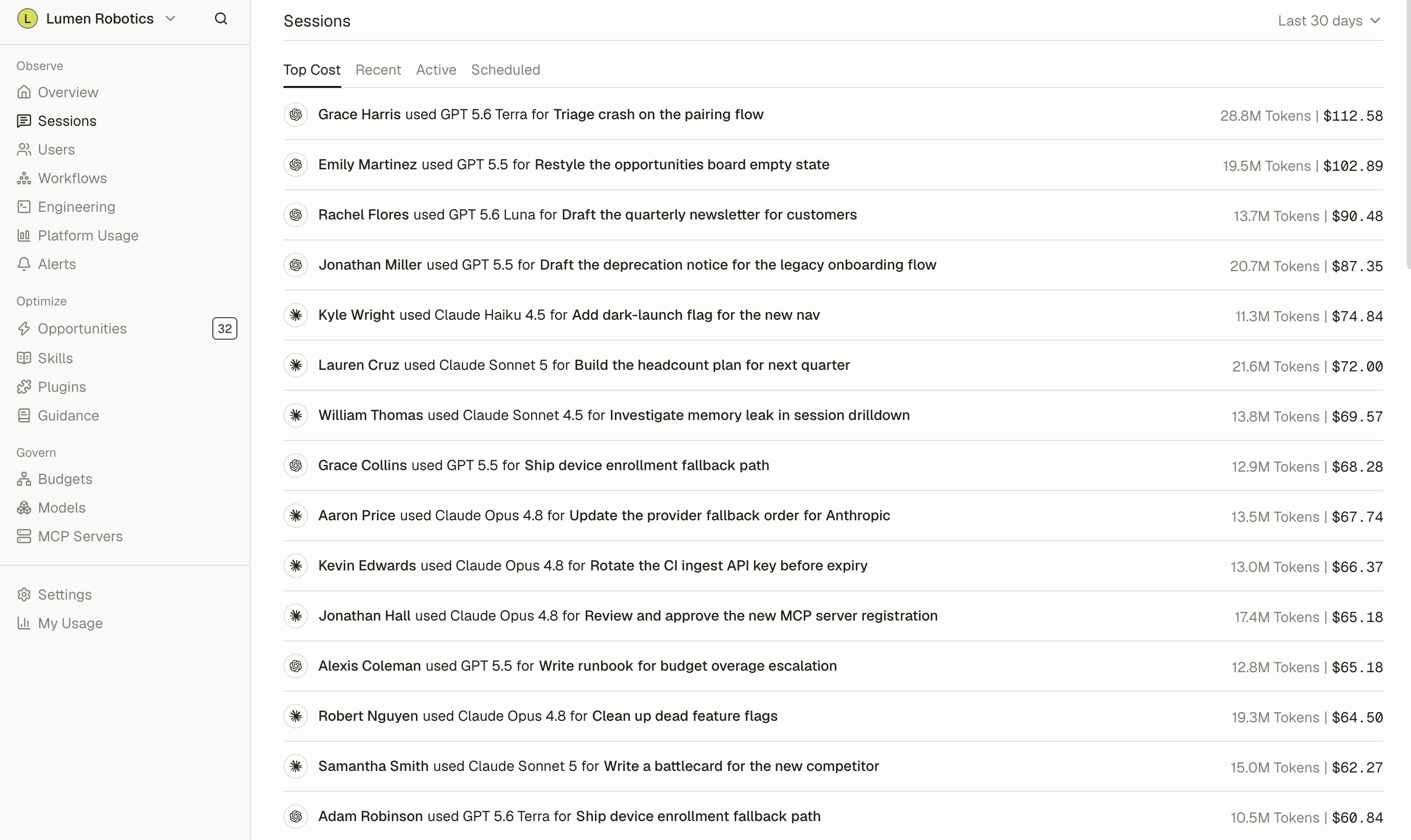
Use AI to the standards your clients expect.
AI Coaching
Define firm and client expectations.
Publish team-specific guidance for confidentiality, source handling, and professional review. Give teams reusable skills and instructions that reflect your firm's working standards.
Learn about coaching →AI Model Control
Manage models and connections.
Set model rules for Claude Code and Codex on enrolled devices, and send approved MCP connections to the teams that need them.
Learn about model control →MCP Governance
Surface unapproved AI use.
Review recorded AI activity and observed MCP connections to find use outside your firm's approved practices.
Learn about MCP governance →
Use cases for law firms
Where lawyers, paralegals, and support teams put Tokenize to use.
Client materials
Publish guidance for teams working under different client confidentiality and AI-use requirements.
Research standards
Share instructions for source verification, citation checking, and lawyer review before AI-assisted work goes out.
Tool oversight
Review observed MCP servers and send approved connections to enrolled devices.
Learn more →Internal reviews
Examine recorded sessions, model usage, and guidance versions when auditing how teams use AI.
Learn more →
Frequently asked questions
See all FAQsWhat data does Tokenize collect?
Records of AI assistant work: which tool and model ran, when, how many tokens, what it cost, and what kind of task it was. Whether prompt text is included is your organization's choice, and it is a setting you control.
What is redacted?
Secrets such as passwords and API keys are removed before data leaves the device, so Tokenize never stores the original values.
Can we turn off prompt content entirely?
Yes. An organization-level setting prevents prompt text from being sent. Cost, token, and usage data remain available when prompt content is off.
Who inside my company can see what?
Access follows the roles you set. Admins see the organization-wide view, individuals see their own. Directory sync keeps that accurate without manual cleanup.
Can we delete our data?
Yes. We have a documented deletion process that covers the usage records and the reports built from them. Ask us and we will walk you through the scope and the timeline.
Do you have a SOC 2 report?
Our latest security and compliance documentation, including our current SOC 2 status and available reports, lives in the Tokenize Trust Center. You can review the public materials there or request access to restricted documents.
- GDPR
- SOC 2 Type II
- SAML SSO
- SCIM Provisioning